If you are applying for jobs, having a professional CV or resume is very important. Your CV is often the first thing a recruiter sees before deciding whether to shortlist you for an interview. However, many job seekers do not know how to design a professional resume.
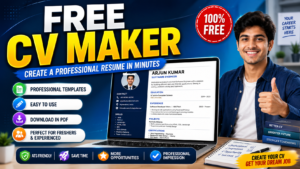
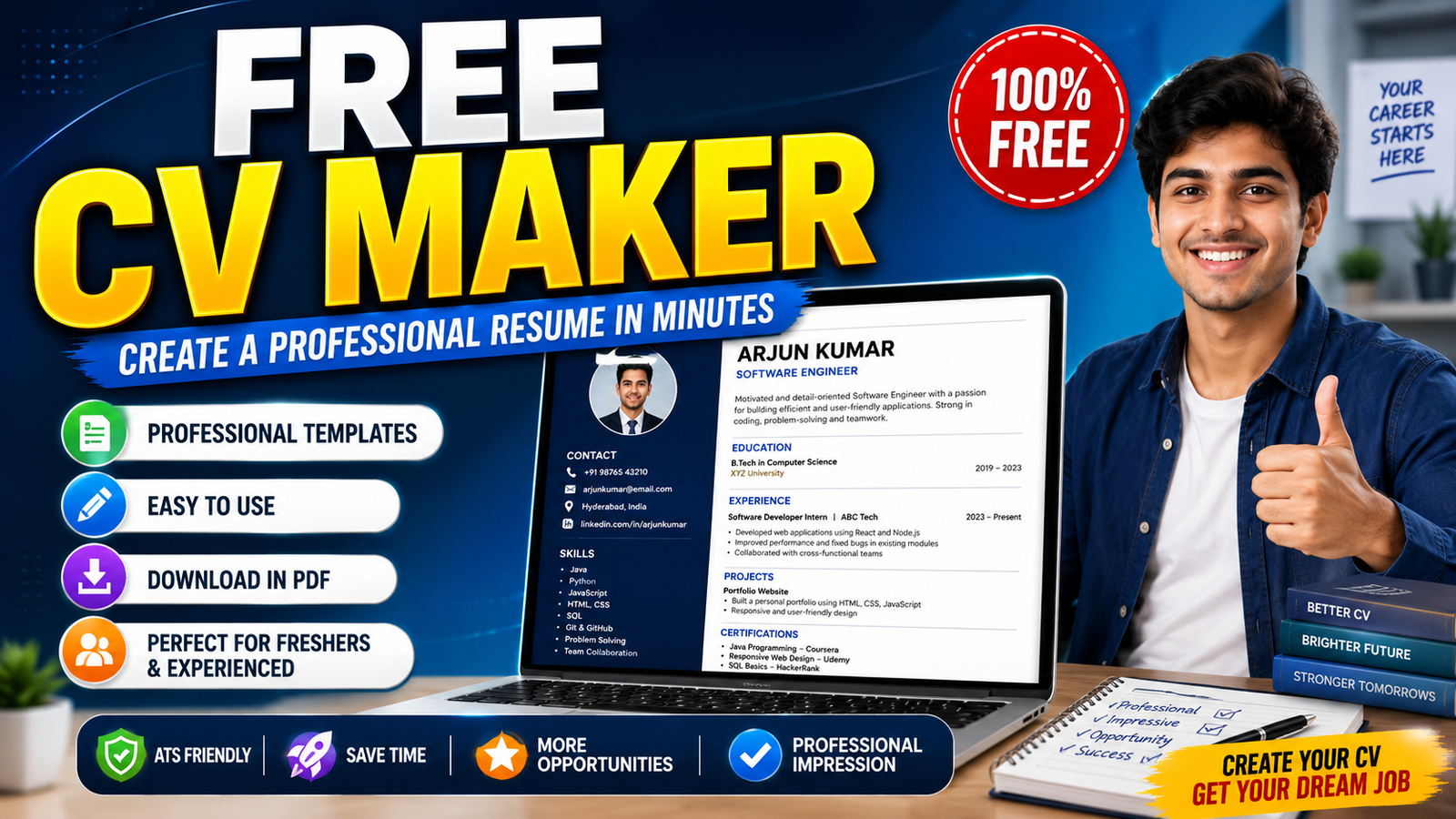
A Free CV Maker can help you create a clean and professional CV without advanced design skills. You can enter your personal details, education, skills, work experience, and other information, select a suitable template, and prepare your resume quickly.
In this article, let’s understand what a Free CV Maker is, how to create a CV, what details to include, and how to make your resume more effective.

Table of Contents
ToggleWhat is a Free CV Maker?
A Free CV Maker is an online tool that helps job seekers create resumes or CVs using ready-made templates.
Instead of designing a resume manually, users can simply enter their information into different sections. The CV maker then organizes the information into a professional format.
This can be especially useful for:
- Freshers
- Students
- Experienced candidates
- Internship applicants
- People applying for private jobs
- Candidates applying for IT and non-IT jobs
Why Should You Use a CV Maker?
Creating a resume manually can take a lot of time. Formatting issues can also make a resume look unprofessional.
A CV maker simplifies this process by providing a structured format.
You can usually add sections such as personal information, career summary, educational qualifications, technical skills, work experience, projects, certifications, languages, and achievements.
A well-designed CV also makes it easier for recruiters to quickly understand your qualifications.

How to Create a CV for Free?
Creating a CV using a Free CV Maker is generally simple.
First, open the CV maker and select a professional resume template.
Enter your full name, phone number, professional email address, and location.
Next, add your educational details, including your degree, college or university name, year of completion, and other relevant information.
After that, add your skills. For example, candidates applying for software jobs may include skills such as Java, Python, SQL, HTML, CSS, or other technologies they genuinely know.
If you have previous work experience, enter your company name, job role, employment dates, and key responsibilities.
Freshers can instead focus more on academic projects, internships, certifications, technical skills, and achievements.
Finally, review the entire CV carefully before exporting or downloading it.
Important Sections to Include in Your CV
A professional CV should contain relevant information without becoming unnecessarily long.
1. Contact Information
Include your full name, phone number, professional email address, and location.
Make sure your phone number and email address are correct because recruiters may use them to contact you.
2. Career Summary or Objective
Freshers can add a short career objective explaining what type of opportunity they are looking for and what skills they can contribute.
Experienced candidates can use a professional summary highlighting their experience and key strengths.
Avoid copying generic objectives from the internet. Keep your summary specific to your background.
3. Educational Qualification
Mention your latest or most relevant educational qualification.
You can include:
Degree/Course Name
College/University
Year of Completion
CGPA/Percentage, if relevant
4. Skills
Add skills that are relevant to the job you are applying for.
For example, a Software Engineer resume might include programming languages, databases, development tools, frameworks, and relevant technical concepts.
Do not add a skill simply because it appears in the job description. You should be able to discuss every major skill listed on your resume during an interview.
5. Work Experience
Experienced candidates should clearly mention their previous employment.
Include your job title, company name, dates of employment, and important responsibilities or achievements.
Where possible, focus on what you accomplished rather than listing only routine duties.
6. Projects
Projects are particularly useful for freshers who do not yet have professional experience.
Mention the project name, technologies used, your role, and a short explanation of what you built or achieved.
7. Certifications
Relevant certifications can also be included.
For example, certifications related to programming, cloud computing, data analytics, digital marketing, or other job-specific skills may strengthen your resume when they are relevant to the position.
Tips for Creating a Professional CV
Keep your CV clean and easy to read. Avoid using too many colors, decorative fonts, graphics, or unnecessary personal information.
Check spelling and grammar before submitting your resume.
Most importantly, customize your CV for the job you are applying for. If the employer is looking for specific skills that you genuinely possess, make sure those skills are clearly visible in your resume.
Use simple section headings such as Education, Skills, Experience, Projects, and Certifications.
CV Tips for Freshers
If you are a fresher, don’t worry about having an empty work-experience section.
Focus on your:
Education + Skills + Projects + Internships + Certifications + Achievements
Try to keep the resume concise. For many freshers, a well-structured one-page resume is sufficient.
Your strongest and most relevant information should appear near the top.
What is an ATS-Friendly Resume?
ATS stands for Applicant Tracking System. Employers may use these systems to organize and screen job applications.
An ATS-friendly resume generally uses a simple structure, recognizable section headings, readable fonts, and relevant job-specific keywords.
Complex layouts, excessive graphics, unusual formatting, or important information placed only inside images can sometimes make a resume harder for automated systems to process.
For this reason, a simple professional template is often a safer choice when applying online.

Common Resume Mistakes to Avoid
Avoid spelling mistakes, incorrect contact information, fake skills, unnecessary personal details, extremely long paragraphs, and unrelated information.
Another common mistake is using the exact same CV for every job.
Read the job description first and adjust your resume so that your genuine skills and experience most relevant to that particular role are easy to find.
Final Words
A Free CV Maker can make resume creation faster and easier, especially for freshers and candidates who do not have experience designing resumes.
Choose a clean template, provide accurate information, highlight relevant skills and experience, and review everything carefully before using the CV for job applications.
A good resume cannot guarantee a job, but it can present your qualifications clearly and professionally and help recruiters quickly understand why you may be suitable for a role.
Resume App Link :- Click Here